
What you can build
Credentials, smart accounts, and agents all build on the user’s AIR Account. You can use login on its own and add the rest later.
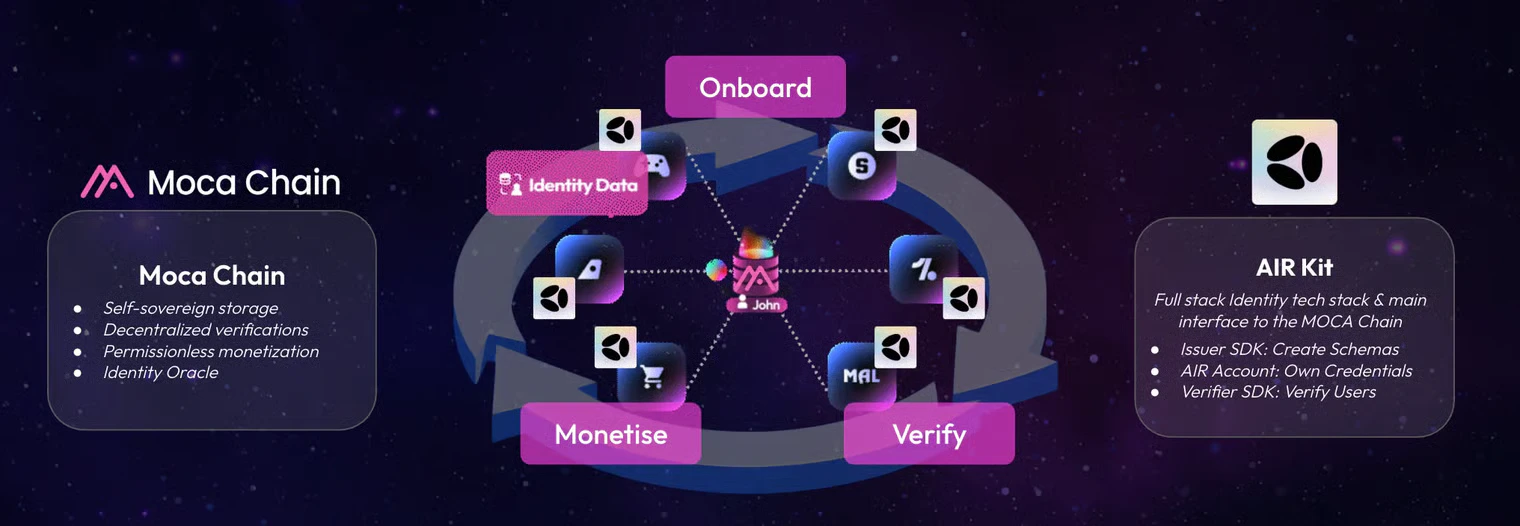
How an integration fits together
An AIR Kit integration has up to four parts:- Your app loads the AIR Kit SDK (Web or Flutter), which shows the AIR login, consent, and wallet screens.
- The Developer Dashboard holds your Partner ID, allowed domains, and the schemas and programs that define what you issue and verify.
- Your backend signs short-lived Partner JWTs that authenticate your app to AIR. If you issue credentials, it also runs an issuer service that signs them.
- AIR and Moca Chain store encrypted credentials and run login, wallet, and verification services. AIR never sees the plaintext of a credential.
Where to start
Integrate login
Install the SDK and log a user in.
Issue a credential
Run an issuer service and issue your first credential.
Verify a credential
Request a credential and verify it on your backend.